Ever wonder if your trusty 2012 gaming PC can still hold its own in 2026 This comprehensive guide dives deep into the enduring legacy of gaming hardware from over a decade ago We explore what makes a 2012 build tick its strengths and weaknesses against todays demanding titles and offer practical advice on how to breathe new life into older components Discover essential upgrade strategies budget friendly tips for modernizing your setup and how to enjoy contemporary gaming without breaking the bank From performance bottlenecks to compatible titles and community support we cover every aspect to help gamers maximize their vintage rig or understand its historical significance Get ready to unlock the potential of your classic machine and reconnect with the gaming spirit of yesteryear
How powerful was a typical 2012 gaming PC?
In 2012, a high-end gaming PC often featured an Intel i7-2600K or i7-3770K CPU, an Nvidia GTX 680 or AMD HD 7970 GPU, 8-16GB DDR3 RAM, and perhaps a 120GB SSD for the OS with a larger HDD for games. This setup offered excellent performance for titles like Battlefield 3, Skyrim, and Far Cry 3 at 1080p, typically achieving 60+ FPS on high settings. These specifications were considered cutting-edge at the time, providing a robust platform for the demanding games of that era.
What kind of performance can I expect from a 2012 gaming PC in 2026?
In 2026, a stock 2012 gaming PC can generally handle games released up to around 2015-2016 at 1080p with decent settings. For modern esports titles like Valorant or League of Legends, expect playable frame rates on low-to-medium settings. Modern AAA games from 2020 onwards will likely struggle immensely, delivering unplayable frame rates even at the lowest settings and resolutions, due to significant advancements in graphical fidelity and CPU core demands.
Are there any compelling reasons to keep or restore a 2012 gaming PC today?
Absolutely. A 2012 gaming PC serves as a fantastic retro gaming machine, perfect for experiencing classics from its era and earlier without emulation overhead. It's an excellent platform for learning about PC hardware, troubleshooting, and budget optimization. For many, it's a nostalgic project, offering a unique challenge and the satisfaction of breathing life into older tech, often for a much lower cost than building a new system for casual play.
Which specific hardware components offer the best bang for buck upgrades for a 2012 rig?
The most impactful upgrades for a 2012 rig on a budget are a Solid State Drive (SSD) for your operating system and frequently played games, and increasing your DDR3 RAM to 16GB. For graphical performance, a used NVIDIA GTX 1050 Ti, GTX 1650, or AMD RX 570/580 can provide a significant boost without requiring a new power supply in many cases. These targeted upgrades address common bottlenecks efficiently.
What are the biggest compatibility challenges when upgrading a 2012 gaming PC?
The biggest compatibility challenges stem from aging motherboards and power supplies. Motherboards often lack support for modern NVMe SSDs or the latest CPUs. Older power supplies might not have the correct connectors (e.g., 8-pin PCIe for newer GPUs) or sufficient wattage for higher-end upgrades. Furthermore, driver support for very old chipsets can be limited with modern operating systems, leading to potential instability or missing features.
Can a 2012 gaming PC still be relevant for social gaming in 2026?
Yes, a 2012 gaming PC can absolutely be relevant for social gaming. It excels at running popular, less demanding multiplayer titles like Minecraft, Roblox, Among Us, or older competitive games like CS:GO and Team Fortress 2. It also serves as a perfect platform for engaging with retro gaming communities and for essential communication through Discord, ensuring you stay connected with your friends and fellow gamers, focusing on shared experiences over raw graphical power.
How does a 2012 gaming PC compare to modern budget gaming options like APUs?
A 2012 gaming PC, even with upgrades, generally falls short of modern budget options like systems built around AMD's Ryzen G-series APUs (e.g., Ryzen 5 5600G) in 2026. Modern APUs offer significantly better integrated graphics, superior CPU performance, and a clear upgrade path with current technologies like DDR4/DDR5 RAM and NVMe SSDs. While a 2012 PC offers nostalgia and a very low entry cost, APU-based systems provide a much more robust and future-proof foundation for budget gaming today.
Remember 2012? The year Skyrim was still fresh, Battlefield 3 pushed limits, and a cutting-edge gaming PC felt like a spaceship. Fast forward to 2026, and many of us, the average 36-year-old gamer balancing careers, families, and life, might have an old machine gathering dust in the closet. Or perhaps you're looking for a budget-friendly entry into PC gaming and stumbled upon a "2012 gaming PC" for a steal. The question isn't just about nostalgia; it's intensely practical: Can that vintage powerhouse still deliver the fun, relaxation, and social connection we seek from gaming today, without constant frustration or a major financial overhaul?
Gaming has evolved. While 87% of US gamers regularly play, often dedicating 10+ hours a week, the landscape includes mobile dominance, robust social gaming platforms like Discord, and increasingly demanding graphics. Our goal isn't always to chase the absolute bleeding edge, but to find value, optimize performance within our means, and enjoy our precious gaming time. This guide is for you – the gamer who values smart choices over hype, who wants to build skills, and connect with friends, even if it means revisiting older hardware. We'll dive deep into whether a 2012 gaming PC can still be a viable, enjoyable platform in today's world, addressing common pain points like performance issues, limited game choices, and budget upgrades.
What Defined a 2012 Gaming PC and Why Does It Matter Today?
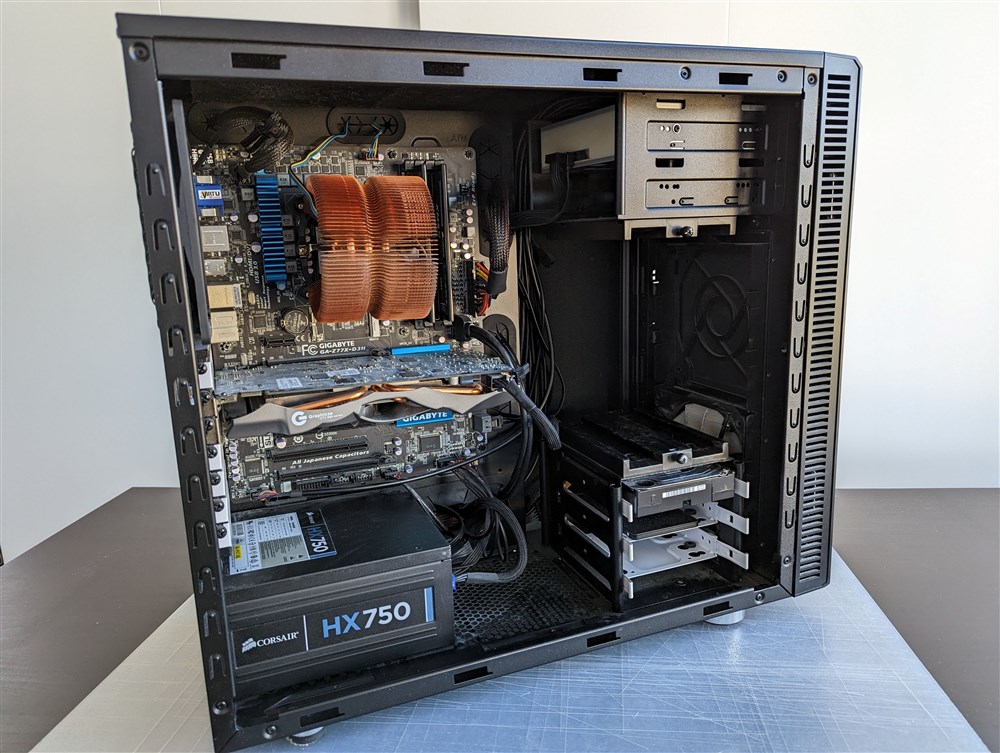
In 2012, a top-tier gaming PC typically boasted an Intel Core i5 or i7 CPU from the Sandy Bridge or Ivy Bridge generation (like an i5-2500K or i7-3770K), paired with a robust graphics card such as an NVIDIA GeForce GTX 670/680 or an AMD Radeon HD 7950/7970. RAM usually stood at 8GB or 16GB of DDR3, and while SSDs were gaining traction for operating systems, hard drives handled most game storage. This hardware was revolutionary for its time, delivering smooth 1080p gaming experiences in titles like "Far Cry 3" and "Assassin's Creed III." Understanding these core specifications is crucial because they set the baseline for what your 2012 gaming PC can realistically achieve today.
The architecture of these components impacts everything from driver support to power consumption and heat generation. While these CPUs and GPUs were powerhouses then, modern games are designed for more advanced architectures with significantly higher core counts, clock speeds, and specialized processing units. Recognizing these foundational specs helps manage expectations and informs smart upgrade decisions. It's about respecting the hardware's heritage while acknowledging its inherent limitations when facing the demands of current software.
Can a 2012 Gaming PC Actually Play Modern Games in 2026?
The short answer is: some, with significant compromises. A typical 2012 gaming PC, in its original configuration, will struggle immensely with most AAA titles released in the last few years, let alone those coming out this month. Games like "Cyberpunk 2077," "Alan Wake 2," or "Starfield" demand modern CPUs with many cores, powerful GPUs with large amounts of VRAM (8GB+), and fast SSDs. Your old rig likely falls short on all fronts. You might be able to launch some newer titles, but expect extremely low frame rates, minimum graphical settings, and frequent stutters, making for a frustrating experience.
However, not all modern games are equally demanding. Many popular free-to-play (F2P) titles, esports games, and a vast library of indie games are often designed with broader hardware compatibility in mind. Games like "Valorant," "League of Legends," "Fortnite" (on lower settings), or "Stardew Valley" can still be quite playable on a well-maintained 2012 system, especially if you've done some minor upgrades. The key is managing expectations and understanding that a truly smooth, high-fidelity experience for the latest blockbusters is out of reach without significant investment that might exceed the value of the original machine.
What Are the Essential Upgrades for a 2012 Gaming PC on a Budget?
If you're committed to breathing new life into your 2012 gaming PC, strategic, budget-friendly upgrades can make a noticeable difference. The most impactful changes often involve storage, RAM, and the graphics card, as CPU upgrades within the same generation often yield diminishing returns compared to the cost.
- Solid State Drive (SSD): This is arguably the single best upgrade you can make. Swapping your old hard drive for a SATA SSD will drastically improve boot times, game loading speeds, and overall system responsiveness. Even a small 250GB SSD for your operating system and a few frequently played games will feel like a brand-new machine.
- More RAM: If you're still on 4GB or 8GB of DDR3 RAM, upgrading to 16GB can significantly improve multitasking and game performance, especially in titles that are memory-intensive. DDR3 is relatively inexpensive on the used market.
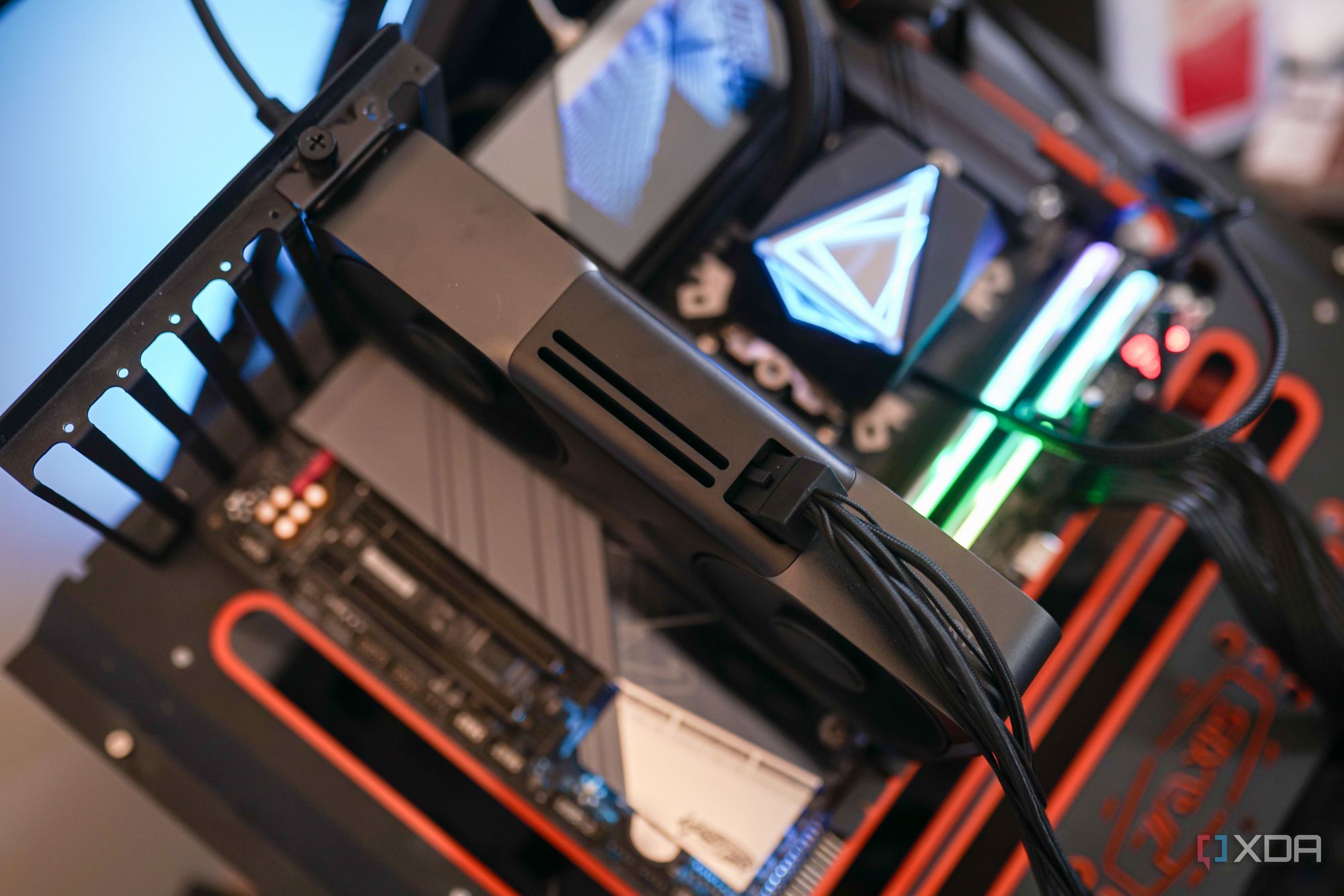
- Graphics Card (GPU): This is where it gets tricky but potentially most rewarding. Look for a newer, entry-to-mid-range GPU from a few generations back (e.g., an NVIDIA GTX 1050 Ti, GTX 1650, or AMD RX 570/580). These cards offer vastly superior performance to 2012 equivalents, are often available used for reasonable prices, and typically don't draw excessive power, making them compatible with older power supplies. Ensure your power supply (PSU) has the necessary wattage and connectors before purchasing.
- CPU Cooler: While replacing the CPU might not be cost-effective, a good aftermarket cooler can allow for better overclocking (if your CPU/motherboard supports it) or simply ensure cooler, quieter operation, preventing thermal throttling during extended gaming sessions.
Always check compatibility (motherboard, PSU wattage, case size) before buying components. These upgrades focus on maximizing performance without a complete platform overhaul, aligning with the value-conscious approach many experienced gamers take.
Which Games Are Best Suited for a 2012 Gaming PC in 2026?
Focusing on the right games is key to enjoying your "2012 gaming pc." You don't need the latest ray-traced blockbusters to have a fantastic time. Many fantastic titles, both new and old, will run beautifully.
First, revisit the classics from the 2010-2015 era. Games like "Grand Theft Auto V" (released 2013), "BioShock Infinite," "Portal 2," "Team Fortress 2," "Counter-Strike: Global Offensive," and "The Elder Scrolls V: Skyrim" (with or without light mods) will likely run at high settings with smooth frame rates. These games offer rich experiences and deep gameplay that stand the test of time.
Secondly, explore the booming world of indie games. Many modern indie masterpieces, known for their unique art styles and innovative gameplay, have modest system requirements. Think "Hades," "Stardew Valley," "Cuphead," "Disco Elysium," "Terraria," or "Celeste." These titles often provide hundreds of hours of fun and skill-building without taxing your older hardware.
Finally, consider popular esports titles and free-to-play games on lower settings. "League of Legends," "Dota 2," "Valorant," and "Overwatch 2" can often be made playable with resolution and graphics quality adjustments. These provide excellent opportunities for social play and staying connected with friends. Embrace the idea that great gaming doesn't always mean bleeding-edge graphics; it means engaging gameplay and fun experiences.
How Can I Optimize My 2012 Gaming PC's Performance Without Hardware Upgrades?
Before spending money, there are several software and maintenance tricks to squeeze every last frame out of your 2012 gaming PC. These optimizations can significantly improve your experience, especially for gamers balancing busy lives who just want things to work.
Start with operating system hygiene:
- Clean Install Windows: Over time, Windows accumulates bloat. A fresh install of Windows 10 (or 11, if your CPU supports it, though 10 is often lighter on older hardware) will remove old drivers, unused programs, and registry clutter, providing a clean slate for peak performance.
- Update Drivers: Ensure your graphics card drivers are up-to-date. Visit NVIDIA or AMD's website directly for the latest compatible drivers for your specific GPU. Outdated drivers are a common cause of performance issues and instability.
- Disable Startup Programs: Many applications launch with Windows and run in the background, consuming valuable RAM and CPU cycles. Use Task Manager (Ctrl+Shift+Esc) to disable unnecessary startup items.
- Adjust Power Settings: Set your power plan to "High Performance" in Windows' Power Options. This ensures your CPU and GPU aren't throttled by power-saving features.
In-game settings are crucial:
- Lower Resolution: Dropping from 1080p to 900p or even 720p can provide a massive FPS boost in demanding titles.
- Reduce Graphics Settings: Textures, shadows, anti-aliasing, and view distance are often the biggest performance hogs. Experiment with lowering these settings to find a playable balance.
- Disable V-Sync: If you're not experiencing screen tearing, disabling V-Sync can reduce input lag and slightly increase frame rates.
Finally, keep your PC physically clean. Dust buildup restricts airflow and causes components to overheat, leading to thermal throttling. Regularly clean out your fans and heatsinks with compressed air.
Is a 2012 Gaming PC a Good Starting Point for New Gamers or Budget Builders?
For new gamers or those on an extremely tight budget, a 2012 gaming PC presents a mixed bag. It can be a decent entry point for exploring older titles and less demanding modern games, offering a taste of PC gaming without a huge initial investment. Many people find old pre-builts or components for very little money, making it a potentially cost-effective way to get started. It's a great platform for learning about hardware, troubleshooting, and basic PC maintenance, which are valuable skills for any aspiring PC gamer.
However, the limitations are significant. The lack of modern features, increasingly scarce driver support for some older components, and the struggle with current AAA games can quickly lead to frustration. If you're serious about playing new releases or participating in competitive esports at higher refresh rates, you'll quickly outgrow a 2012 machine. A better "budget" starting point in 2026 might be a newer used PC (e.g., from 2016-2018 era) or a system built around a modern APU (like AMD's Ryzen G-series) which offers a much better upgrade path and modern performance for a modest initial cost. While a "2012 gaming PC" offers nostalgic charm, its practical value for truly new gamers aiming for contemporary experiences is increasingly limited beyond the realm of retro and indie gaming.
What Common Issues Will I Face with a 2012 Gaming PC and How Can I Fix Them?
Owning a "2012 gaming pc" in 2026 comes with its share of challenges, but most are manageable with a bit of patience and know-how. Addressing these pain points is part of the fun for many seasoned gamers.
- Driver Support: Older GPUs and chipsets may no longer receive official driver updates. This can lead to compatibility issues with newer games or even operating system updates.
- Fix: Stick with the last stable drivers released for your hardware. For very old cards, community-modified drivers sometimes exist, but proceed with caution. Ensure Windows Updates aren't automatically installing incompatible drivers by disabling driver updates in system settings.
- Overheating: Dust buildup and aging thermal paste can cause components to run hot, leading to performance throttling or even shutdowns.
- Fix: Regularly clean out dust with compressed air. Consider reapplying fresh thermal paste to your CPU and GPU (if you're comfortable with the process). Ensure case fans are functioning correctly and positioned for optimal airflow.
- Game Compatibility/Performance: As discussed, newer games will struggle.
- Fix: Manage expectations. Focus on older titles, indie games, or competitive esports at low settings. Use tools like MSI Afterburner to monitor frame rates and temperatures, helping you fine-tune settings.
- Aging Storage Drives: Old HDDs can become slow, noisy, and eventually fail.
- Fix: Replace your primary drive with an SSD. Back up important data regularly, especially if still using an older HDD for storage.
- Power Supply Degradation: PSUs can lose efficiency or stability over time, leading to crashes or component instability.
- Fix: If experiencing inexplicable crashes, especially under load, and other fixes fail, consider testing or replacing your PSU. This is less common but can occur with very old units.
Embrace the troubleshooting process; it's a rite of passage for many PC gamers, turning frustration into rewarding problem-solving.
How Do 2012 Gaming PCs Fit Into Today's Social Gaming Trends?
Despite their age, "2012 gaming pc" rigs can still be relevant in today's social gaming landscape, which, according to recent stats, sees a significant portion of US gamers engaging in multiplayer and community-driven experiences. While you might not be running the latest AAA titles for cross-play with console friends, your vintage machine can be a hub for other forms of social interaction.
- Retro Gaming Communities: There's a vibrant and growing community around retro PC gaming, emulators, and revisiting classic titles. Your 2012 PC is perfectly capable of running games from its era and older via emulation. Forums, Discord servers, and online groups dedicated to these communities are excellent places to connect, share experiences, and even organize multiplayer sessions for games from yesteryear.
- Less Demanding Multiplayer Titles: Many popular social games, particularly those that are free-to-play or have lower system requirements, are still very playable. Think "Minecraft," "Roblox" (popular among younger demographics but with broad appeal), "Among Us," or even some indie co-op games. These titles offer endless opportunities for social play, skill-building, and simply unwinding with friends after a long day.
- Streaming and Content Creation (Limited): While you won't be streaming "Helldivers 2" at max settings, a 2012 PC can still handle light content creation tasks, such as recording gameplay from older titles or participating in voice chat on Discord while gaming. It could even serve as a secondary machine for managing chat or running OBS for simpler streams if the primary game is run on another device.
- Discord and Communication: Regardless of what you're playing, Discord remains a central hub for gamer communication. Your 2012 PC can easily handle voice and text chat, allowing you to stay connected with your gaming circle, coordinate strategies, or just hang out virtually, even if you're not all playing the exact same cutting-edge game.
Ultimately, social gaming is more about the shared experience and communication than raw graphical power. Your 2012 PC can still facilitate those crucial connections, fostering camaraderie and fun.
Conclusion
Revisiting a "2012 gaming pc" in 2026 is a journey through gaming history, balancing nostalgia with modern practicality. While these machines won't conquer the latest graphical behemoths, with strategic, budget-friendly upgrades and smart game choices, they can still offer a remarkably fun and rewarding gaming experience. For the busy adult gamer, it's about making the most of what you have, enjoying the process of optimization, and finding joy in accessible titles and social connections.
Whether you're rekindling an old flame, building on a shoestring budget, or just curious about the past, understanding the capabilities and limitations of your 2012 rig empowers you to game smarter, not harder. The gaming community thrives on shared passion, regardless of hardware age. What's your biggest gaming challenge with older hardware? Comment below!
Can I still find parts for a 2012 gaming PC?
Yes, many parts for a 2012 gaming PC, such as DDR3 RAM, SATA SSDs, and compatible GPUs (from a few generations newer), are readily available on the used market (eBay, Amazon Renewed) or from specialty retailers. CPUs and motherboards are harder to find new, but used options exist.
Is a 2012 Gaming PC worth upgrading in 2026?
Upgrading a 2012 gaming PC is worthwhile if your budget is very limited, you enjoy troubleshooting, or you primarily play older titles and indie games. For playing modern AAA games, the cost of upgrades often approaches that of a newer, more capable budget system, making it less "worth it" financially for pure performance.
What operating system is best for a 2012 gaming PC?
Windows 10 is generally the best operating system for a 2012 gaming PC. It offers broad driver compatibility and support for modern games while being less demanding than Windows 11 on older hardware. A clean installation is highly recommended.
Will a 2012 PC support DirectX 12 games?
Many GPUs from 2012, like the NVIDIA GTX 600 series and AMD HD 7000 series, have hardware support for DirectX 12. However, their older architecture and limited VRAM mean they will struggle immensely with most DX12 titles, even if technically supported. Software support doesn't always translate to playable performance.
How much power does a 2012 gaming PC typically consume?
A typical 2012 gaming PC with an i5/i7 and a GTX 670/680 or HD 7950/7970 could consume between 250W and 400W under full gaming load. Modern entry-level GPUs often consume less power for better performance, so upgrading can sometimes improve efficiency.
Can I use a 2012 PC for streaming older games?
Yes, a 2012 PC can be used for streaming older games, especially titles from its era or less graphically intensive indie games. You might need to use software encoding (CPU-based) if your GPU lacks modern encoding capabilities, which will put more strain on your CPU. Keep your stream resolution and bitrate modest for best results.
Revisiting 2012 Gaming PCs in 2026, Upgrade Strategies for Older Rigs, Budget Friendly Performance Boosts, Compatible Games for Vintage Hardware, Balancing Nostalgia and Modern Gaming, Community Support for Legacy Systems, Essential Troubleshooting Tips
35


Best Gaming PC Builds For 2026 Best Gaming PC Builds For 2026.webp. Top 10 Der Beste KI Gaming PC 2026 Im Test Intelligent Ki Faehige Gaming Computer Pc Taptop 2026 Im Test . Best Prebuilt Gaming PC 2026 1440p 4k Budget Best Gaming PC . The Best Gaming PC Builds For 2026 Top Picks And Reviews Best Pc Build 300x300 . Top 10 Best Desktop Computers 2026 For Home Office And Work Lenovo Legion Tower 7i 2026 High Performance Desktop Computer With RGB Lighting Featured In




PC Project 2026 Where To Start With Building Your Own Gaming PC CCL CCL 667 BLOG BUILD GUIDE 1980x1080 . Best Gaming PC For Competitive Gaming 2026 Hardware Guide The Best Gaming PC For Competitive Gaming 2026 Performance Guide.webp. The Ultimate Gaming PC Build 2026 Guide By Xidax 1 Unnamed . 7 Best Gaming PCs Of 2026 Power Performance And Value Revealed Top Gaming Pcs 2026 1lmv2 . Build PC 2026 Per GTA VI Potenza Massima E Bolletta Minima Generated Images 6


Best Gaming Streaming PC In 2026 High FPS Gaming PC Guru Best Gaming Pc On Amazon Featured 800x500 . Building An Affordable Gaming PC For 2026 GeekaWhat FI DP056 Antec Flux M 9060XT 1024x576 . Best Prebuilt Gaming PCs In 2026 Complete Buyer S Guide After Testing Best Prebuilt Gaming PCs In 2026 Complete Buyers Guide After Testing 8 Systems . Gaming PC 2012 Micro Center Build 491821f4 287b 4316 Ad0f . Best Budget Gaming PC Builds For 2026 500 800 Best Budget Gaming PC Builds For 2026.webp


I Built The BEST Gaming PC From 2012 Sort Of YouTube . Best Prebuilt Gaming PC 2026 For Esports AAA And Streaming Gamer Org A Sleek Youtube Thumbnail Design With Bo Z5fskbADS9 PZy23Rqs Zg NA9Dn G 780x438 . How To Build A Gaming PC In 2026 Complete Parts Guide And Assembly Image. CES 2026 ASUS D Voile Ses Nouveaux PC Gaming ROG Avec RTX 5090 Et 2026 ROG Zephyrus Duo 1176x662 . The Gaming PC You Need To Build For 2026 Nvidia Rtx 5070 Review 15


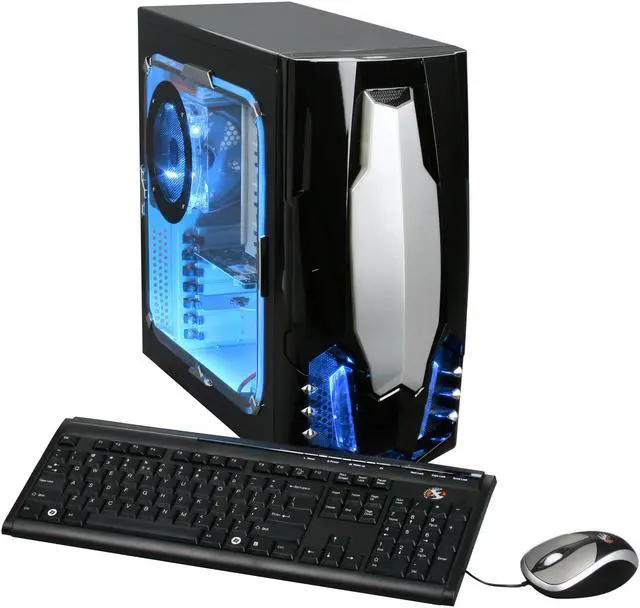
Best Processors For Gaming In 2026 For Every Budget Technoid Gaming PC Building A Mid Range Gaming PC In 2026 Specs And Tips.webp. One Moment Please Best Gaming Pc For Under 500 Dollars Featured 800x500 . Gaming Desktop PC Guide 2026 Build The Ultimate Gaming Setup 2 2 3 . CES 2026 Novit PC Gaming E AI Di NVIDIA AMD E Intel CES 2026 . Desktop PC Gamer Ultra 2026 AMD Phenom II X4 945 4GB DDR2 83 229 135 02
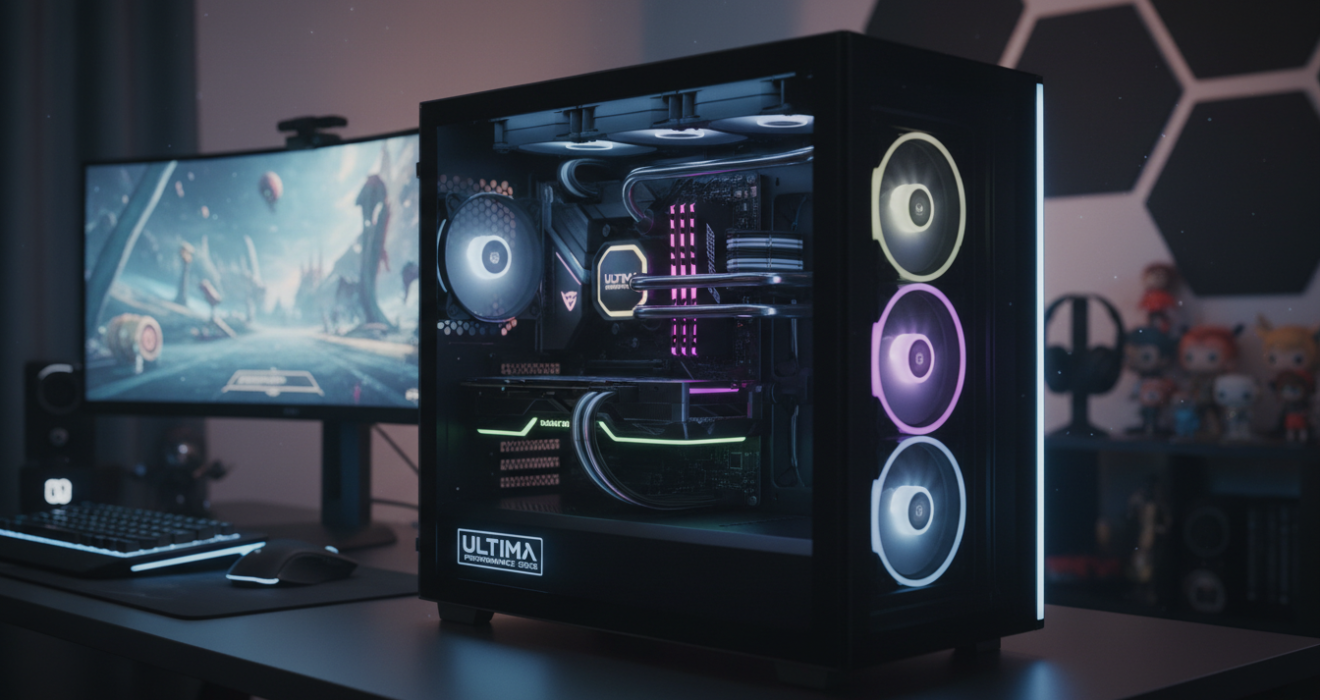

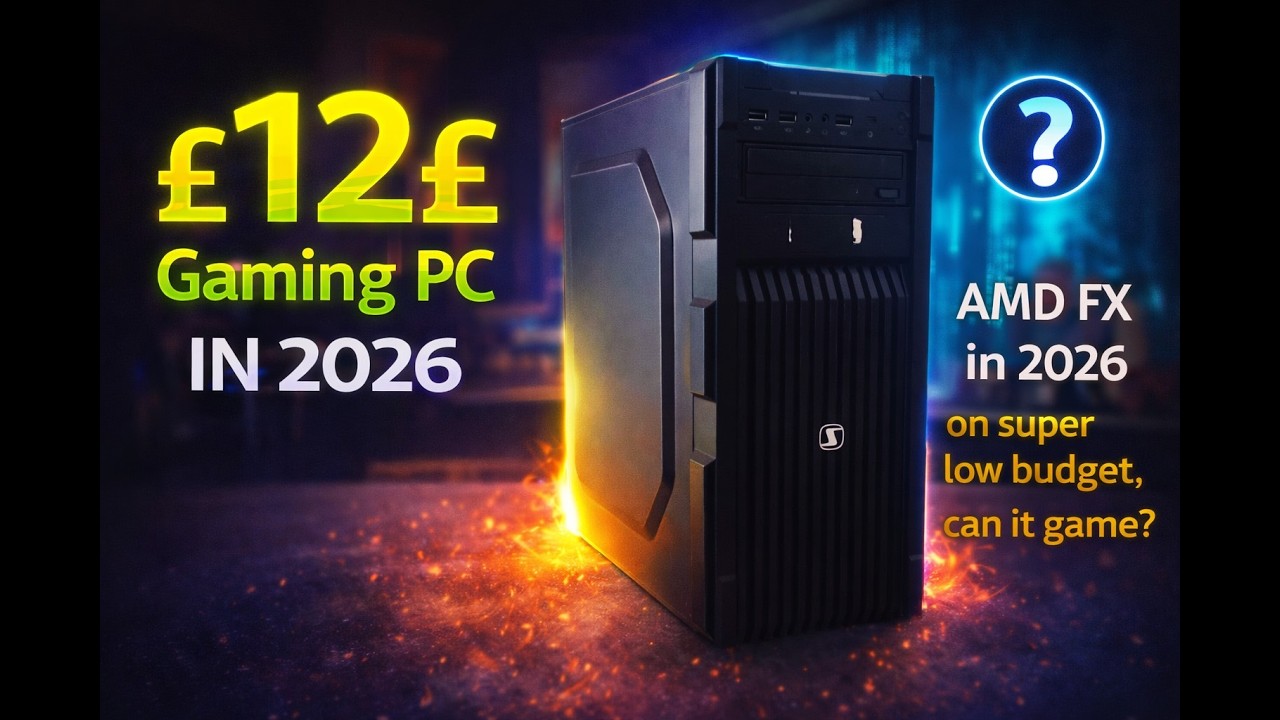


Best Gaming PC 2026 The Ultimate Performance Guide Bliss Lifes Best Gaming Pc 2026 The Ultimate Performance Guide Featured Image 1320x700 . The Best Gaming PC Of 2026 Top Prebuilt Desktops Gaming Pc . 12 AMD Gaming PC In 2026 Is It Any Good YouTube . 2026 Video Game Gaming Milestone List Cubed3 2026 Video Game Gaming Milestone List Insights Screenshot Art 14 1000x563 . 9 Biggest PC Games Coming In 2026 Insider Gaming PC Games 2026
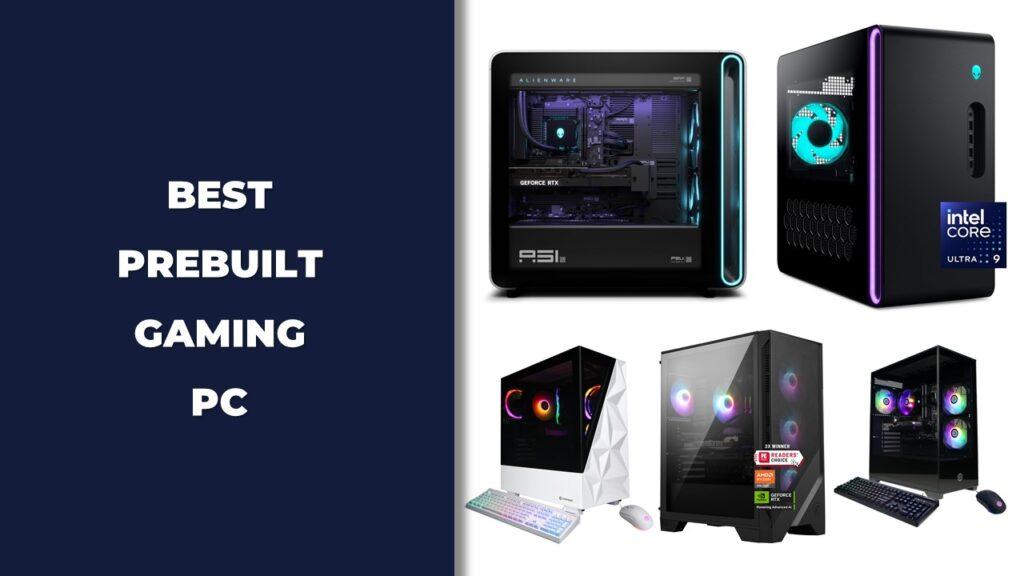


12 Best Gaming PC Under 500 In 2026 Tested Reviewed Slide10 1024x576 . How Much Does It Cost To Build A Gaming PC In 2026 Full Budget Guide Low Cost PC For Gaming . How To Choose The Right Gaming PC In 2026 Complete Guide Complete Guide . 8 Gaming PC Fixes For 2026 DML 8 Gaming PC Fixes For 2026 Blog . How To Build A Gaming PC 2026 Complete Beginner S Guide Switchblade How To Build Gaming Pc 2026.webp