Unlock smoother Roblox gameplay and eliminate frustrating lag with this comprehensive guide for busy gamers who want peak performance without hassle. Discover practical tips tricks and essential optimization strategies to boost your Roblox experience whether on PC or mobile. Learn how to tweak settings manage resources and even improve your network connection for uninterrupted fun. This article dives into why Roblox games might stutter and provides actionable steps for a truly enhanced gaming session. Perfect for those balancing work family and a love for virtual worlds this resource ensures your precious gaming time is spent enjoying optimal frame rates and seamless adventures. Stay current with 2026 trends for optimal Roblox gaming.
What are the immediate steps to boost Roblox performance on my computer?
The most immediate steps to boost Roblox performance involve adjusting in-game settings. First, ensure Roblox is in fullscreen mode. Next, navigate to the in-game settings menu, set the 'Graphics Mode' to 'Manual', and then significantly reduce the 'Graphics Quality' slider. You can also temporarily close all unnecessary background applications and browser tabs that consume CPU or RAM before launching Roblox. These simple changes can often provide an instant FPS increase.
How does my internet connection truly impact Roblox gameplay and what can I do about it?
Your internet connection profoundly impacts Roblox gameplay, especially in multiplayer experiences. High latency, or 'ping', causes noticeable lag, making actions delayed and players appear to teleport. Bandwidth (speed) is less critical than stability and low ping. To improve this, use an Ethernet cable if possible, minimize other devices using bandwidth on your network, ensure your router is optimally placed, and periodically test your internet speed to confirm your ISP is delivering reliable service.
Are there specific Roblox settings that make the biggest difference in FPS?
Yes, the 'Graphics Quality' slider within Roblox's in-game settings is by far the most impactful setting for boosting FPS. Reducing this setting significantly lowers the demand on your graphics card and processor by simplifying rendering. Other important settings include ensuring 'Graphics Mode' is set to 'Manual' for full control, and playing in fullscreen mode, which dedicates more system resources directly to the game.
What role does my graphics card play in boosting Roblox games?
Your graphics card, or GPU, plays a pivotal role in boosting Roblox games by rendering the visual elements on your screen. A more powerful GPU can process complex textures, lighting, and models faster, resulting in higher frame rates and smoother animation, especially in graphically demanding Roblox experiences. While Roblox is not as GPU-intensive as AAA titles, a decent graphics card is crucial for consistent high FPS.
How can I reduce lag in Roblox without buying new hardware?
To reduce lag in Roblox without new hardware, focus on software and network optimizations. This includes lowering in-game graphics settings, closing all background applications, ensuring your graphics drivers are up to date, using a wired internet connection, and checking for network congestion. Additionally, keep your operating system updated and regularly restart your PC to clear temporary files and refresh system resources.
Why are some Roblox games more demanding on my system than others?
Some Roblox games are more demanding due to varying levels of developer optimization, complexity of the game world, and amount of active scripts. Games with high player counts, detailed environments, complex physics engines, or unoptimized code will naturally require more CPU, GPU, and RAM resources. These factors can lead to lower performance even on powerful systems, regardless of your personal settings.
What are common myths about boosting Roblox performance that I should ignore?
Many myths about boosting Roblox performance persist. One common myth is that 'game booster' software always provides a magical, significant increase in FPS; often, they merely close background apps, which you can do manually. Another is that Roblox Premium directly boosts performance; it offers Robux and exclusive items, not hardware acceleration. Also, buying a vastly expensive GPU is often overkill for Roblox; targeted, balanced upgrades are usually more cost-effective.
Hey there, fellow gamers! Ever find yourself with a precious hour or two to dive into your favorite Roblox game, only to be met with frustrating lag, choppy frame rates, or slow loading times? We've all been there. Juggling work, family, and life's endless demands means our gaming time is valuable, and nothing sours the experience faster than technical hiccups. We want our games to run smoothly, to be immersive, and to offer that perfect escape we crave. You're not alone in seeking ways to boost games Roblox performance, and good news: achieving a smoother, faster Roblox experience is often more accessible than you might think.
In 2026, with over 87% of US gamers regularly dedicating 10+ hours a week to their passion across various platforms, performance optimization isn't just a luxury; it's a necessity. Especially when mobile gaming continues its dominance and cross-play is the norm, ensuring your Roblox runs optimally, whether on your PC after a long day or on your phone during a quick break, makes all the difference. This comprehensive guide is designed for you, the adult gamer who values practical solutions, wants to maximize fun without breaking the bank, and aims to master the art of boosting Roblox performance.
We'll tackle common pain points, from mysterious lag spikes to graphics settings that just don't seem right, all while offering actionable, budget-friendly advice. Get ready to transform your Roblox experience from frustrating to fantastic. Let's dive into how to boost games Roblox and reclaim your smooth, enjoyable virtual adventures!
Why Do My Roblox Games Lag, Even on a Good PC?
It's a common misconception that a powerful PC automatically guarantees perfect performance for all games, including Roblox. While a strong system certainly helps, Roblox's performance can be influenced by a multitude of factors beyond just raw hardware power. Many Roblox games are created by individual developers, and their optimization levels can vary wildly. A poorly optimized game world, even with few players, can strain any system. Furthermore, background applications, outdated drivers, and network congestion can all silently eat away at your frame rates and introduce lag, making your robust PC feel sluggish.
Think of it this way: your PC might be a race car, but if the track is bumpy (poor game optimization), you're carrying too much luggage (background apps), or the road signs are out of date (drivers), you won't hit top speeds. Even with top-tier components, factors like inefficient game scripting, high player counts in a server, or complex physics calculations within a game can significantly impact how smoothly Roblox runs. Ensuring your software environment is clean and drivers are updated is crucial for allowing your hardware to truly shine.
How Can I Optimize My Roblox Game Settings for Better FPS?
Tweaking your in-game Roblox settings is one of the quickest and most effective ways to boost frames per second (FPS) and reduce lag, often without needing any external tools. The key is finding the right balance between visual quality and performance that suits your system. Most adult gamers prioritize smooth gameplay over ultra-realistic graphics, especially when time is limited.
- Graphics Mode: Start by setting your Graphics Mode to 'Manual' (if it's not already) in the in-game settings. This gives you control over the Graphics Quality slider.
- Graphics Quality Slider: This is your most powerful tool. Gradually reduce the Graphics Quality slider. Each notch down can provide a noticeable boost in FPS. For many, a setting in the lower-middle range offers a good compromise between visuals and performance. Try finding the lowest setting that still looks acceptable to you for maximum performance.
- Full Screen vs. Windowed: Playing in Full Screen mode often dedicates more system resources to the game, leading to better performance than windowed mode. However, if you frequently multitask, a borderless window might be a good middle ground.
- Resolution: Lowering your screen resolution can also significantly improve FPS, especially if your graphics card is struggling. This can be adjusted in your operating system's display settings or in some game client settings.
Experimenting with these settings will help you pinpoint the sweet spot for your specific setup. Remember, what works perfectly for one game might need slight adjustments for another due to varying optimization levels of Roblox experiences.
Are There Any External Tools to Boost Roblox Performance?
While Roblox itself doesn't officially endorse or integrate specific third-party 'boosting' tools, several general PC optimization utilities can indirectly help improve your Roblox performance. These tools often focus on freeing up RAM, optimizing CPU usage, and cleaning up unnecessary background processes. However, exercise caution and stick to reputable software to avoid potential security risks.
- Game Boosters: Programs like Razer Cortex or similar game boosters claim to optimize your PC for gaming by temporarily suspending non-essential background processes and services. They can free up RAM and CPU cycles, dedicating more resources to Roblox.
- Driver Updaters: Keeping your graphics card drivers (NVIDIA, AMD, Intel) up to date is paramount. Tools like NVIDIA GeForce Experience or AMD Radeon Software Adrenalin Edition not only help you update drivers but often include game-specific optimizations.
- System Cleaners: Tools like CCleaner can help remove temporary files and clean your registry, which can sometimes indirectly contribute to overall system responsiveness.
Remember, the best 'external tool' is often good system hygiene: regular reboots, closing unnecessary applications before playing, and ensuring your operating system is up to date. Don't fall for tools promising miraculous boosts with little effort, as they can sometimes do more harm than good.
How Do Hardware Upgrades Impact Roblox Gameplay?
For many adult gamers, budget-friendly hardware upgrades are a consideration. When it comes to Roblox, certain hardware components have a more significant impact than others. While a full PC overhaul might be out of reach or unnecessary, targeted upgrades can yield noticeable improvements.
- Graphics Card (GPU): This is often the most critical component for gaming performance. A newer, more powerful GPU will render frames faster, leading to higher FPS and smoother visuals, especially in graphically intensive Roblox games.
- Processor (CPU): Roblox can be quite CPU-intensive, especially in games with many players or complex scripts. A faster CPU will improve overall game logic processing and reduce stutters.
- RAM (Memory): While 8GB of RAM is generally sufficient, upgrading to 16GB can provide a smoother experience, especially if you tend to have multiple tabs or applications open alongside Roblox. More RAM helps prevent your system from having to swap data to the slower hard drive.
- Storage (SSD): Upgrading from a traditional HDD to a Solid State Drive (SSD) won't directly boost FPS, but it will dramatically reduce game loading times and overall system responsiveness, getting you into the action faster. This is a fantastic budget-friendly upgrade for quality of life.
Before splurging, assess your current hardware and identify the bottleneck. Often, a mid-range GPU or an SSD upgrade offers the best bang for your buck for boosting Roblox performance.
Can My Internet Connection Affect Roblox Performance?
Absolutely! While local hardware handles rendering and game logic, your internet connection is crucial for multiplayer games like Roblox, where real-time interaction with other players and the game server is constant. A poor internet connection manifests as 'lag' – delays between your actions and what you see on screen, or teleporting players.
- Bandwidth vs. Latency: While bandwidth (download/upload speed) is important for downloading game assets, latency (ping) is even more critical for real-time gaming. Latency measures the time it takes for data to travel from your computer to the game server and back. A high ping means more lag.
- Wired Connection: Whenever possible, use an Ethernet cable to connect your PC directly to your router. Wi-Fi is convenient but prone to interference, signal drops, and higher latency.
- Reduce Network Congestion: If multiple devices on your network are streaming video, downloading large files, or video calling, your Roblox connection will suffer. Try to game when network usage is lower or ask others to pause bandwidth-heavy activities.
- Router Placement: If Wi-Fi is your only option, ensure your router is centrally located, unobstructed, and not too far from your gaming device.
- Check Your ISP: Sometimes, the issue lies with your Internet Service Provider. Run speed tests regularly (e.g., Speedtest.net) to ensure you're getting the speeds you pay for, and contact your ISP if performance is consistently poor.
A stable, low-latency internet connection is foundational for a smooth online Roblox experience, ensuring you can socialize and compete effectively in your favorite virtual worlds.
What Are the Best Practices for Keeping My PC Ready for Roblox?
Maintaining a healthy PC environment is key to consistent gaming performance. It's like regular tune-ups for your car; consistent care prevents major breakdowns. For gamers balancing life and play, establishing these habits can save precious gaming time and frustration.
- Regular Restarts: A simple restart clears temporary files, refreshes memory, and resolves many minor software glitches that accumulate over time. Make it a habit before a major gaming session.
- Close Background Applications: Before launching Roblox, close any unnecessary programs, browser tabs, or applications running in the background. Each consumes CPU, RAM, and potentially network resources that could otherwise be dedicated to your game.
- Keep Drivers Updated: Regularly check for and install updates for your graphics card, motherboard chipset, and network adapters. Manufacturers constantly release updates that improve performance and fix bugs.
- Operating System Updates: Ensure Windows or macOS is up to date. These updates often include performance enhancements and security fixes.
- Disk Cleanup and Defragmentation (for HDDs): Periodically run disk cleanup to remove junk files. If you're still using an HDD, defragmentation can help organize files for faster access, though this isn't necessary for SSDs.
- Antivirus Scans: Run regular antivirus scans to protect against malware, which can consume significant system resources and compromise performance.
By adopting these simple yet effective habits, you'll ensure your PC is always in top shape to deliver the best possible Roblox experience.
How Does Mobile Gaming Affect Roblox Performance?
Mobile gaming on Roblox is incredibly popular, especially for those on the go or with limited access to a PC. However, mobile devices have different constraints and require specific considerations for performance optimization compared to PCs. Mobile dominance in gaming means many experiences are designed for touch, but not always for lower-end hardware.
- Device Specifications: Newer, more powerful smartphones and tablets will naturally run Roblox better than older, entry-level models. They have faster processors, more RAM, and better GPUs.
- Graphics Settings: Just like on PC, you can adjust in-game graphics settings on mobile. Lowering the graphics quality and resolution within Roblox's mobile app settings can significantly improve FPS and reduce battery drain.
- Close Background Apps: On mobile, this is even more critical. Many apps running in the background consume RAM and CPU cycles, slowing down Roblox. Force-closing them before playing is a good practice.
- Clear Cache: Regularly clear the cache for the Roblox app (via your device's app settings) to remove temporary files that can accumulate and impact performance.
- Stable Internet Connection: Mobile data can be inconsistent. A strong, stable Wi-Fi connection will almost always provide a better, more reliable Roblox experience than cellular data, reducing lag and disconnections.
- Device Overheating: Intensive gaming can cause mobile devices to overheat, leading to thermal throttling where the device intentionally slows down to prevent damage. Play in a cool environment and avoid using your device while charging if it causes excessive heat.
While mobile devices offer unparalleled convenience, understanding their limitations and optimizing settings accordingly ensures a smoother and more enjoyable Roblox session wherever you are.
Is Roblox Premium Worth It for Performance Boosts?
Roblox Premium primarily offers benefits related to Robux payouts, exclusive items, and trading, rather than direct performance enhancements. Unlike some gaming subscriptions that provide cloud gaming access or server priority, Roblox Premium does not inherently boost your game's frame rate, reduce lag, or improve loading times on your local device.
However, an indirect benefit for content creators or those heavily involved in the Roblox economy might be the ability to invest more in optimizing their own games, potentially leading to better experiences for everyone. For the average player solely focused on performance, Premium is not a necessary investment. Focus on hardware, software, and network optimizations first.
How Do I Balance Gaming and Life While Still Enjoying Roblox?
For adult gamers, balancing a passion for Roblox with work, family, and other responsibilities is a constant challenge. The good news is that Roblox, with its vast array of experiences from quick social games to immersive role-playing, is perfectly suited for flexible gaming. It's about smart time management and optimizing those precious gaming moments.
- Scheduled Playtime: Treat gaming like any other hobby – schedule it. Even 30-minute slots a few times a week can be incredibly rewarding for stress relief and social connection.
- Quick-Play Games: Seek out Roblox experiences designed for shorter sessions. Many obbies, minigame collections, or social hubs allow for immediate fun without long commitments.
- Social Gaming: Connect with friends for co-op or casual play. Social interaction makes even short sessions feel more fulfilling. Discord is a popular platform for organizing these meetups.
- Set Boundaries: Inform family members when you plan to game to minimize interruptions. Use clear communication to manage expectations.
- Focus on Fun, Not Grind: If time is limited, prioritize games that offer immediate enjoyment or relaxation over those requiring extensive grinding or competitive pressure. Cozy games are trending for a reason!
By strategically planning your Roblox sessions and choosing games that fit your schedule, you can continue to enjoy your virtual worlds without sacrificing real-world responsibilities.
What Roblox Games Are Best for Socializing with Friends?
Roblox excels as a social platform, with countless games fostering interaction and community. For adult gamers seeking to unwind and connect, choosing the right social experience is key. Social trends for 2026 continue to lean into cooperative, creative, and low-pressure environments.
- Brookhaven RP: A classic for a reason. Its open-world role-playing nature allows for endless creative interactions, perfect for casual meetups and shared storytelling.
- Adopt Me!: While popular with younger audiences, many adults enjoy the pet collecting, trading, and housing customization aspects, offering a relaxed social experience.
- Royale High: Another role-playing staple, offering a fantastical high school setting with social events, customizable avatars, and opportunities for group activities.
- The Plaza: Designed purely as a social hangout, The Plaza allows players to chill, chat, customize their avatars, and explore a vibrant environment together.
- Work at a Pizza Place: A collaborative, objective-based game where friends can work together to run a pizza restaurant, fostering teamwork and lighthearted fun.
- Custom Private Servers: Many popular Roblox games allow you to create private servers, offering a controlled environment for just you and your friends to play without public interruptions.
Whether you're looking for a virtual hangout, a cooperative adventure, or a place to role-play, Roblox offers a diverse range of social games to connect with your friends.
So, there you have it! Boosting your Roblox game performance doesn't require a magic wand or an unlimited budget. By understanding the key factors at play – from in-game settings to your internet connection and even basic PC hygiene – you can significantly improve your experience. These practical tips and insights are designed to help you, the busy gamer, make the most of every moment you spend in the vast and exciting world of Roblox. Don't let lag hold you back from relaxation, skill-building, or connecting with friends. What's your biggest gaming challenge when trying to boost games Roblox? Comment below and let's conquer it together!
FAQ Section
Q: What's the quickest way to get better FPS in Roblox right now?
A: The absolute quickest way to boost FPS is to reduce your in-game Graphics Quality slider to a lower setting. Go into Roblox settings during a game, set Graphics Mode to Manual, and drag the slider down until you find a comfortable balance between visuals and smoothness.
Q: Will closing background apps really make a difference for Roblox?
A: Yes, definitely. Every background application, browser tab, or service running consumes CPU and RAM. Closing these frees up valuable resources, allowing your PC or mobile device to dedicate more power to Roblox, which can lead to a noticeable performance improvement and less lag.
Q: How often should I update my graphics drivers for optimal Roblox performance?
A: You should aim to check for graphics driver updates at least once a month, or whenever you notice performance issues or a new game title struggles. Graphics card manufacturers frequently release updates that include performance optimizations and bug fixes for popular games and general system stability.
Q: Does using an SSD help Roblox games run faster?
A: An SSD (Solid State Drive) primarily improves game loading times and overall system responsiveness, rather than directly boosting in-game FPS. You'll get into games much quicker, and assets will stream faster, reducing stutters that occur from data fetching, which is a great quality-of-life improvement for any gamer.
Q: What is 'ping' and why is it important for Roblox?
A: Ping measures the round-trip time for data to travel from your device to the game server and back, measured in milliseconds. A lower ping (e.g., under 50ms) means less delay, resulting in smoother, more responsive gameplay. High ping causes noticeable lag and makes real-time interactions difficult in multiplayer Roblox games.
Q: Can my PC specifications impact my ability to play certain Roblox games?
A: Yes, absolutely. While Roblox is designed to be accessible, some experiences are far more graphically intensive or script-heavy than others. Games with complex physics, high-fidelity textures, or many active players will demand more from your CPU, GPU, and RAM. Lower-end systems may struggle to maintain playable frame rates in these demanding titles, regardless of optimization.
Improved Roblox FPS Reduced Lag Faster Game Loading Optimal Settings Free Performance Tips Smoother Gameplay Experience
35


Roblox Guide For 2026 Master Rivals And Fisch With Secret Player SL1500 . TOP 5 ROBLOX SPORTS GAMES COMING IN 2026 YouTube . 15 Game Roblox Horror Terbaik 2026 15 Game Roblox Horror Terbaik 2026 Paling Seram And Bikin Deg Degan 7f944699ce . Best Roblox Games Of March 2026 Best Roblox Games Of March 2026 Gaming . Top Most Popular Roblox Games In 2026 Top Most Popular Roblox Games In 2026 148580.webp



Game Roblox Terbaik Untuk Mabar Rekomendasi Seru 2026 SuperNews Game Roblox Terbaik Untuk Mabar Rekomendasi Seru 2026 . How To Make A Boost System In Roblox 2022 YouTube . Definitive Guide To Roblox 2026 TM 07169 AU 19 60 Football Heaven TM 07169 Definitive Guide To Roblox 2026 . 100 Unofficial Roblox Annual 2026 Brand New For 2025 The Iconic SL1500 . WIP Formula Racing 2026 Roblox Game RobloxDB Game Codes.webp



10 Best Roblox Games To Enjoy In 2026 Best Roblox Game For 2026 968x544 . Update Kode Redeem Roblox 24 Februari 2026 Klaim Item Dan Exp Boost Tumbnail Kode Redeem Roblox 24 Februari 2026 Sumber Indopop 1. 10 Most Profitable Roblox Game Types In 2026 Savings Grove Most Profitable Roblox Games Pinterest Pin Style5 . How To Create A Roblox Game Complete Step By Step Tutorial Fps Boost Roblox 1400x700 . 10 Best Roblox Fighting Games In 2026 IGeeksBlog 10 Best Roblox Fighting Games



Roblox 2026 New Logo REVEAL First Look At The Future Shorts YouTube Hq2 . How To Boost The Popularity Of Your Roblox Game Strategies And Tips To 2 690x230 . Roblox Total Games How Many Experiences Exist The 8 Most Popular Roblox Games In 2025 . Exploring Roblox Games For 2026 What Makes Them Popular Best Roblox Games 2023 Feature Image . How To Update Roblox On PC Mobile Console 2026 Guide Eebbb5d3 A5f6 4623 8e8e Webp.webp

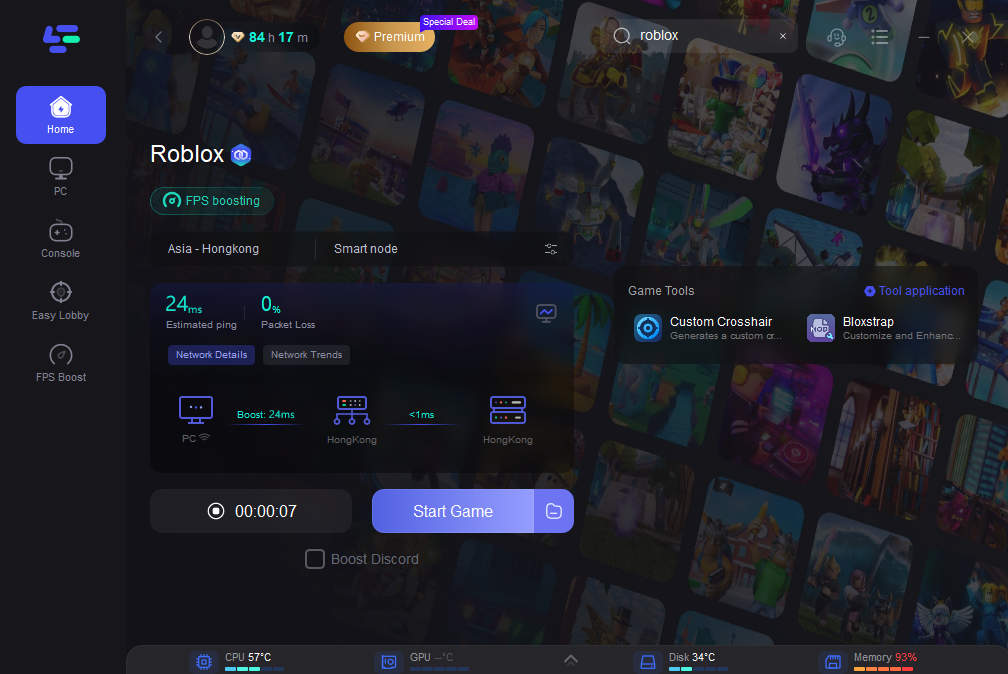

Best Roblox FPS Boosters 2024 Top 5. Topp 10 Mest Popul Ra Roblox Spel Du M Ste Prova B45b516b 7a35 4859 89a8 Webp.webp. How To Find Favorites On Roblox 2026 5e9503aa F9fb 44fc A0a1 Webp.webp. Is Roblox Banned In Egypt In 2026 Roblox 3.webp. Roblox In 2026 Play On Roblox NoFilter
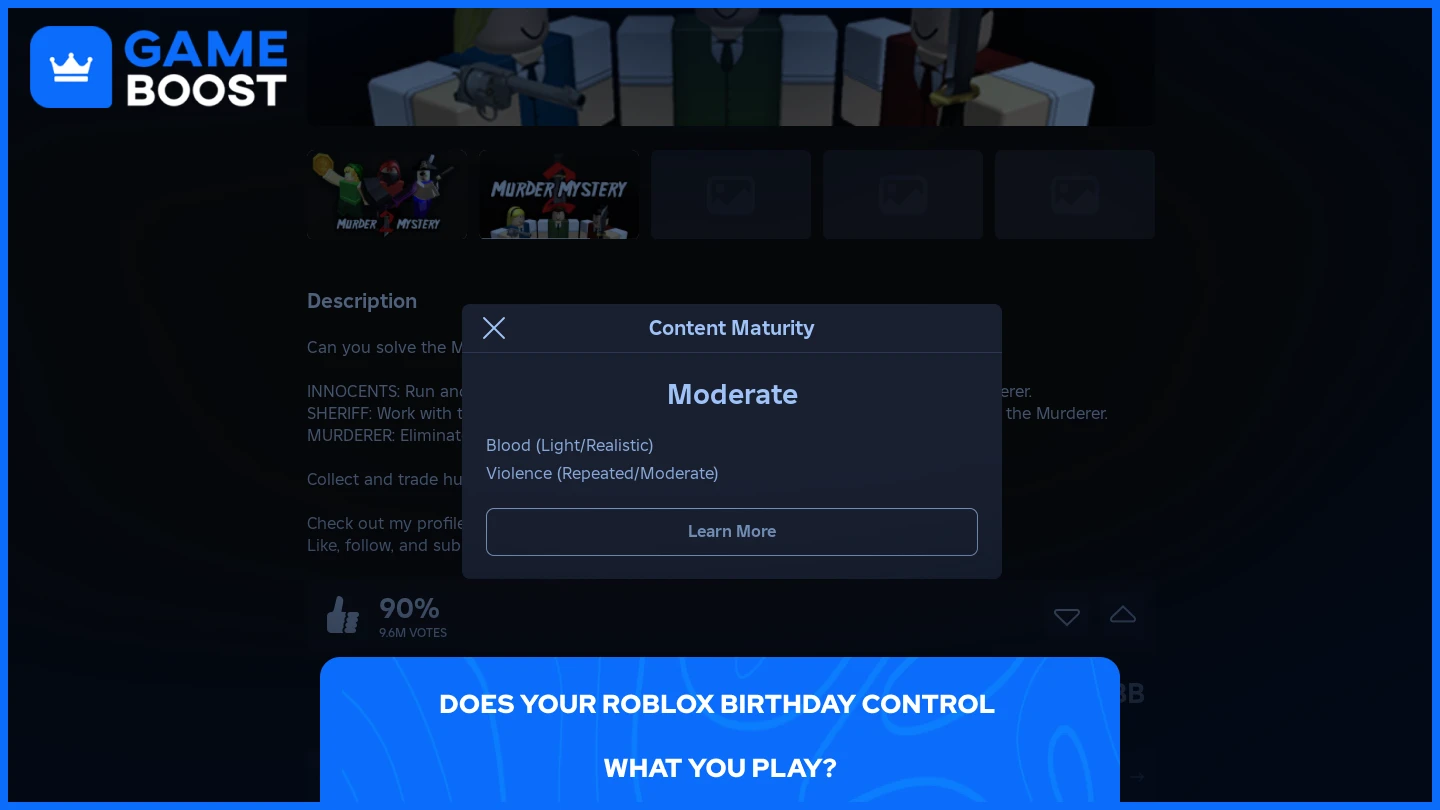

Roblox RBLX Overhauls Advertising Rules To Boost Brand Sponsorship 1x 1.webp. Roblox 2026 Dc16406f 9d07 44f6 B2a3. Roblox 0478716c 6c56 49de 810c. Fresh Roblox Codes Boost Anime Game Rewards In May 2026 Th. ROBLOX GAMES 2026 Tier List Community Rankings TierMaker
Roblox 4b17cd0b 8042 487f 8563 Webp.webp. Jak Deaktivovat A Smazat Sv J Roblox Et 2026 Cf50419e 3482 47b8 Ac0f. Roblox 2026 9a3b2ee7 3715 4569 Bf78 Webp.webp. Who Is On Roblox Anyway Games Like Roblox. TOP 10 Roblox Games 2026 Halaman 1 Kompasiana Com Roblox Image