Unlock your creative potential in the Roblox metaverse by learning how to make your own item in Roblox. This comprehensive guide is designed for adult gamers balancing life and play, providing clear, actionable steps to design, create, and even monetize custom in-game assets. Discover the tools like Roblox Studio and learn about mesh creation, texture application, and the crucial steps for uploading your unique creations. Whether you aim to personalize your avatar, build unique game assets, or earn Robux through the thriving User-Generated Content UGC marketplace, this resource covers everything. We address common setup issues, offer budget-friendly tips for digital art tools, and provide solutions to help you make your mark in Roblox without sacrificing precious family or work time. Dive into a rewarding creative journey that enhances your gaming experience and connects you with a vast community of creators. Learn how to navigate the developer ecosystem and transform your imagination into tangible digital items today.
What are the basic steps for creating a simple Roblox item?
The basic steps involve conceptualizing your item, modeling it in Roblox Studio or Blender, creating and applying textures, and then testing it within a Roblox experience. For simple items like T-shirts, you primarily focus on designing a 2D image texture using Roblox's template, then uploading and applying it through the developer portal.
How can I ensure my Roblox item performs well in-game?
To ensure good performance, focus on optimizing your item's polygon count by keeping it as low as possible without sacrificing visual quality. Use efficient texture maps, avoid overly complex materials, and consider using level of detail (LOD) if your item is part of a larger experience. Proper optimization prevents lag, especially for mobile players.
Who can participate in the Roblox User-Generated Content (UGC) Program?
The Roblox UGC Program is open to experienced creators who demonstrate consistent quality, adherence to community standards, and a strong understanding of Roblox's creation tools. While it used to be invite-only, Roblox has expanded access. Creators can apply through the Roblox Creator Hub, and selection is based on portfolio quality and adherence to program criteria, making it accessible for dedicated adult gamers.
Why is 3D modeling software like Blender important for Roblox item creation?
Blender is crucial for creating complex 3D meshes that go beyond what Roblox Studio's basic part manipulation can achieve. It allows for intricate sculpting, precise UV unwrapping, and advanced rigging necessary for detailed accessories, custom characters, or unique props, giving your items a professional and distinct look not possible with simpler tools alone.
What are the best practices for texturing my custom Roblox items?
Best practices for texturing include using high-resolution images for clarity, ensuring seamless tiling if applicable, and utilizing PBR (Physically Based Rendering) textures for realistic material properties like roughness, metallic, and normal maps. Pay attention to your UV map layout to avoid stretching or distorted textures, making sure details are consistent across the item.
How can I get feedback on my Roblox item designs before publishing?
You can get invaluable feedback by sharing your work-in-progress on Roblox developer forums, dedicated Discord servers for Roblox creators, or even with friends and family. Constructive criticism helps identify flaws, improve aesthetics, and ensure your item resonates with the target audience before you invest time in the full publishing process. Don't be afraid to iterate based on feedback.
Is it worth the time investment to learn how to make items in Roblox as an adult gamer?
Absolutely, it is highly worth the time investment. For adult gamers, learning how to make your own item in Roblox offers a fantastic creative outlet, a chance to build valuable digital art skills, and the potential to earn passive income through Robux sales. It's a skill-building hobby that balances relaxation with intellectual engagement, enriching your gaming experience far beyond just playing.
Tired of generic gear in Roblox? Want to leave your unique mark on the metaverse without spending a fortune on someone else's designs? Many of us adult gamers, who balance demanding jobs and family life, crave that creative outlet. We want to dive into a game like Roblox not just to unwind, but to build, innovate, and maybe even earn a little something for our efforts. With 87% of US gamers playing regularly, and many dedicating 10+ hours a week, the desire for personalized, meaningful experiences is huge. This guide will show you exactly how to make your own item in Roblox, turning your creative ideas into digital reality, even if you only have limited time after work. We'll cover everything from conceptualizing your design to uploading it, ensuring you can master Roblox's creation tools and stand out.
Creating your own items in Roblox isn't just for professional developers; it's an accessible path for anyone with a spark of creativity. Imagine designing the perfect outfit for your avatar, a unique prop for your game, or even a tool that hundreds of players will use. This not only adds a layer of personalization to your gaming but also taps into the social aspect, allowing you to share your creations and connect with other players and creators. We understand that finding time for new hobbies can be tough, especially when you're managing work and family, but Roblox offers a relatively streamlined process that respects your valuable time.
What Exactly is a Roblox Item and Why Should I Create One?
A Roblox item refers to any digital asset that can exist within the Roblox platform, ranging from avatar accessories like hats, shirts, and pants to in-game models, tools, and even custom animations. These items are distinct from entire games or experiences. Creating your own items offers several compelling benefits. Firstly, it provides unparalleled personalization; you can design exactly what you envision, not just what's available in the catalog. Secondly, it fosters creativity and skill-building, as you learn 3D modeling, texturing, and game design principles. Finally, and perhaps most enticingly for many gamers, you can potentially earn **Robux** by selling your creations on the Roblox marketplace, converting your hobby into a lucrative side venture. In the current gaming landscape, User-Generated Content (UGC) is king, and platforms like Roblox are empowering creators more than ever.
What Essential Tools Do I Need to Start Making Roblox Items?
To embark on your journey of how to make your own item in Roblox, you primarily need two things: a computer and the right software. The core tool is **Roblox Studio**, which is free to download and acts as your integrated development environment. It's where you'll sculpt, texture, and animate your items. Beyond Studio, you'll likely need a 3D modeling software like **Blender**, which is also free and open-source, for more complex meshes. For textures, image editing software such as **Paint.NET**, **GIMP** (both free), or **Adobe Photoshop** (paid) will be invaluable. While a powerful gaming PC is ideal for complex projects, most modern mid-range computers can handle basic item creation without performance hiccups. Many adult gamers already have adequate hardware, so it is often a matter of installing the software and learning the ropes.
How Do I Begin Designing My First Roblox Item Step-by-Step?
The process of designing your first Roblox item involves several stages, making it manageable even for busy schedules. Here’s a simplified breakdown:
Concept & Sketch: Start by brainstorming your item idea. Is it a hat, a weapon, or a piece of scenery? Sketch it out on paper or digitally. Consider its purpose, style, and how it fits into the Roblox aesthetic. This initial planning saves significant time later.
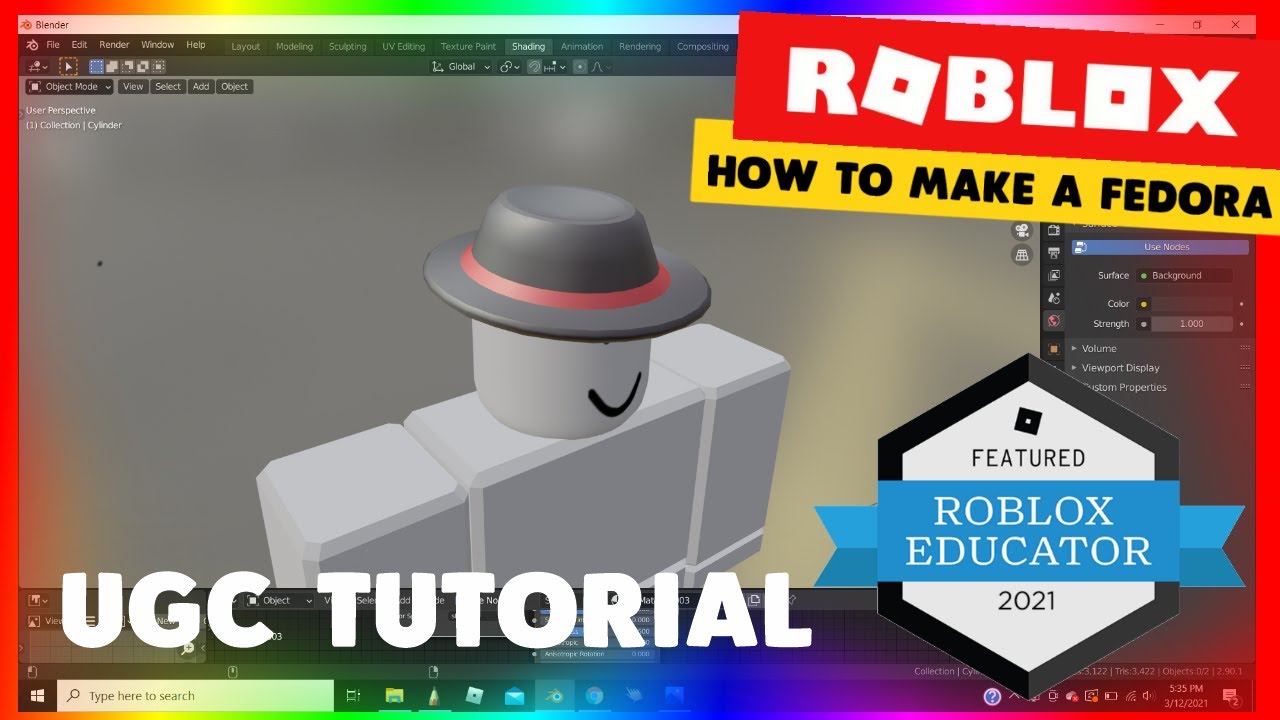
3D Modeling (Mesh Creation): Use Blender or Roblox Studio's built-in tools (like Part manipulation or Union operations) to create the basic shape of your item. Focus on clean geometry and efficient polygon count to ensure good performance in-game.
UV Unwrapping: This step involves flattening your 3D model into a 2D surface so you can apply textures accurately. It's like deconstructing a cardboard box to lay it flat for painting. Blender has robust UV unwrapping tools.
Texturing: Open your unwrapped UV map in an image editor. Paint or design the colors, patterns, and intricate details that will give your item its final appearance. Think about material properties like shine or roughness.
Import to Roblox Studio: Export your 3D model (mesh) from Blender as an FBX or OBJ file, and your texture as a PNG or JPG. Import these into Roblox Studio. You'll then apply the texture to your mesh.
Rigging & Animation (If Applicable): For avatar accessories or tools that move, you'll need to rig your model (create a skeletal structure) and potentially animate it within Studio. This is crucial for items like hair, clothing, or weapons.
Testing & Refinement: Always test your item in a live Roblox experience. Check for scaling issues, visual glitches, or performance problems. Refine as needed until it looks and functions perfectly. This iterative process is vital for quality.
Can I Really Make Custom Clothes and Accessories in Roblox Studio?
Absolutely, making custom clothes and accessories is one of the most popular ways to make your own item in Roblox. For basic clothing like shirts and pants, you primarily use 2D image editors to create textures based on Roblox's provided templates. These are then uploaded and applied to avatars. For more complex accessories like hats, wings, or elaborate armor, you'll delve into 3D modeling using tools like Blender, followed by texturing and then importing them into Roblox Studio. The platform's avatar system is incredibly versatile, allowing creators to attach a wide range of custom meshes and textures, effectively enabling endless possibilities for unique character customization. This is a huge draw for the 60% of US gamers who value personal expression in their virtual worlds.
What Are the Key Rules and Guidelines for Roblox Item Creation?
Roblox has strict guidelines to ensure a safe and positive environment for its massive player base, especially children. When you make your own item in Roblox, you must adhere to the **Roblox Community Standards** and **Terms of Use**. Key considerations include:
No Inappropriate Content: This means no nudity, excessive gore, hate speech, or sexually suggestive themes.
No Copyright Infringement: Do not use copyrighted logos, characters, or designs that you do not have permission to use. Originality is highly valued.
No Exploits or Scams: Items should not be designed to exploit glitches or trick users into giving away personal information or Robux.
Appropriate for All Ages: Since Roblox caters to a broad audience, items should generally be suitable for players of all ages.
Familiarizing yourself with these guidelines on the official Roblox Developer Hub is crucial to avoid having your items rejected or facing moderation action. Compliance ensures your creations contribute positively to the Roblox ecosystem.
How Can I Monetize My Custom Roblox Items and Earn Robux?
Earning Robux from your custom items is a fantastic incentive for many creators. Once you successfully make your own item in Roblox and upload it, you can list it for sale on the Roblox Avatar Shop or within your own experiences. The primary method is the **UGC Program (User-Generated Content)**, where approved creators can upload accessories, clothing, and other virtual goods directly to the main marketplace. When another player purchases your item using Robux, you receive a percentage of that sale. The exact percentage varies based on various factors, but it can be a significant source of income for popular creators. Additionally, if you create items for your own game, you can sell them as game passes or developer products, keeping a larger share of the revenue. This opportunity to earn rewards for creative effort makes the learning curve worth it for many.
What Are Common Pitfalls When Making Roblox Items and How Can I Avoid Them?
While creating items in Roblox is rewarding, new creators often encounter challenges. One common pitfall is **over-complicating designs** too early. Start simple, master basic shapes and textures, then gradually increase complexity. Another issue is **poor optimization**, leading to high polygon counts that can cause lag in games, especially on mobile devices. Always aim for efficient modeling. **Ignoring Roblox guidelines** is a serious mistake that can lead to bans; always review the community standards. Many also struggle with **UV unwrapping and texturing**, which takes practice to get right; online tutorials can be a huge help here. Finally, **lack of persistence** can halt progress. Like any new skill, learning to make your own item in Roblox requires dedication. Don't be afraid to make mistakes; they are part of the learning process.
Are There Free Resources and Tutorials to Help Me Learn Roblox Item Creation?
Absolutely! The Roblox developer community is incredibly vibrant and supportive, offering a wealth of free resources. The **Roblox Creator Hub** is your official starting point, featuring comprehensive documentation, tutorials, and guides for all aspects of creation, including how to make your own item in Roblox. YouTube is another goldmine, with countless creators publishing step-by-step video tutorials on Blender, Roblox Studio, texturing, and scripting. Look for channels dedicated to Roblox development. Free 3D modeling software like Blender comes with its own extensive tutorials and community forums. Additionally, Discord servers dedicated to Roblox development are excellent places to ask questions, share progress, and collaborate with other aspiring creators. Leveraging these free resources can significantly accelerate your learning without breaking the bank.
How Long Does It Typically Take to Learn to Make Items in Roblox Effectively?
The time it takes to effectively learn how to make your own item in Roblox varies greatly depending on your prior experience with 3D modeling or game development, and the complexity of the items you wish to create. For someone completely new, mastering the basics of Roblox Studio and simple 2D clothing textures might take a few weeks of consistent effort, perhaps an hour or two each evening. Moving into 3D modeling with Blender for accessories and meshes could take several months to feel proficient, especially if you're aiming for high-quality, complex designs. The key is consistent practice and setting realistic goals. Many adult gamers, accustomed to skill-building in games, find the process enjoyable and treat it as a new in-game challenge. Focus on incremental progress rather than immediate mastery, and you will see results.
What's the Process for Uploading and Selling My Creations on Roblox?
Once you've crafted your unique item, uploading it for sale involves a few crucial steps. First, ensure your item is fully optimized within Roblox Studio—properly scaled, textured, and rigged if it's an accessory. For items like meshes, you'll export them as a MeshPart from Blender or create them directly in Studio. For 2D clothing, you upload your finished image texture. If you're part of the **UGC program**, you'll use the Asset Manager within Studio to submit your item for moderation review. This review process checks for compliance with Roblox's community standards. Once approved, you can set a price in Robux and list it on the Avatar Shop. For in-game items, you'd integrate them into your experience as a game pass or developer product. Remember that uploading certain items to the public marketplace may incur a small Robux fee, which helps maintain quality control and prevent spam. This investment is part of becoming a legitimate creator on the platform.
FAQ Section
Can I make items on mobile?
While basic interaction and certain administrative tasks can be done on mobile, serious item creation, especially 3D modeling and texturing, primarily requires Roblox Studio on a PC. For precision and access to comprehensive tools, a desktop environment is essential. You can manage sales and check your inventory via mobile, but the actual design is best on a computer.
Do I need Robux to create items?
Creating items in Roblox Studio itself is free. However, uploading certain item types, particularly clothing like shirts and pants, and UGC accessories, requires a small Robux fee to publish them to the marketplace. This fee helps prevent spam and contributes to quality control within the platform's vast creator ecosystem.
What's the difference between a mesh and a texture?
A mesh is the 3D geometric shape or structure of your item, defining its physical form and contours. A texture is a 2D image file applied to the surface of that mesh, providing it with color, patterns, and intricate visual details. Together, the mesh provides the shape, and the texture gives it its appearance, forming the complete visual asset.
Can I collaborate with friends on item creation?
Absolutely! Roblox Studio supports a feature called Team Create, which allows multiple developers to work on the same project simultaneously in real-time. This is an excellent way for social gamers to collaborate on complex items, share ideas, and build together, making the creation process more fun and efficient. It's a key feature for community-driven projects.
How often does Roblox update its creation tools?
Roblox consistently updates Roblox Studio with new features, tools, and optimizations, often on a monthly or bi-monthly basis. Staying current with these updates can unlock new creative possibilities, improve your workflow, and enhance the quality of your creations. Always check the official Roblox Developer Hub and forums for the latest announcements and features.
Making your own items in Roblox offers a powerful creative outlet for gamers who want to do more than just play. It's a journey that blends skill-building with community engagement and even the potential for passive income. From understanding Roblox Studio to navigating the marketplace, this guide provides the foundational knowledge to begin your creator journey. Remember, the biggest challenge is often just starting. So, what unique item will you bring to life in the metaverse today? What's your biggest gaming challenge? Comment below!
Create custom items Roblox Studio. Learn 3D modeling textures for Roblox. Monetize Roblox creations earn Robux. Understand Roblox UGC guidelines. Step by step item creation tutorial. Free resources for Roblox development. Balancing gaming creation with real life.
35


HOW TO MAKE A E TO BUY A ITEM Roblox Studio Tutorial YouTube . How To Make An Item On Roblox H Ng D N Chi Ti T T Ng B C . Create Your OWN ITEMS Is COMING To Roblox YouTube . How To Create Own Items To Sell In Roblox . How To Make Your Own Items On Roblox YouTube

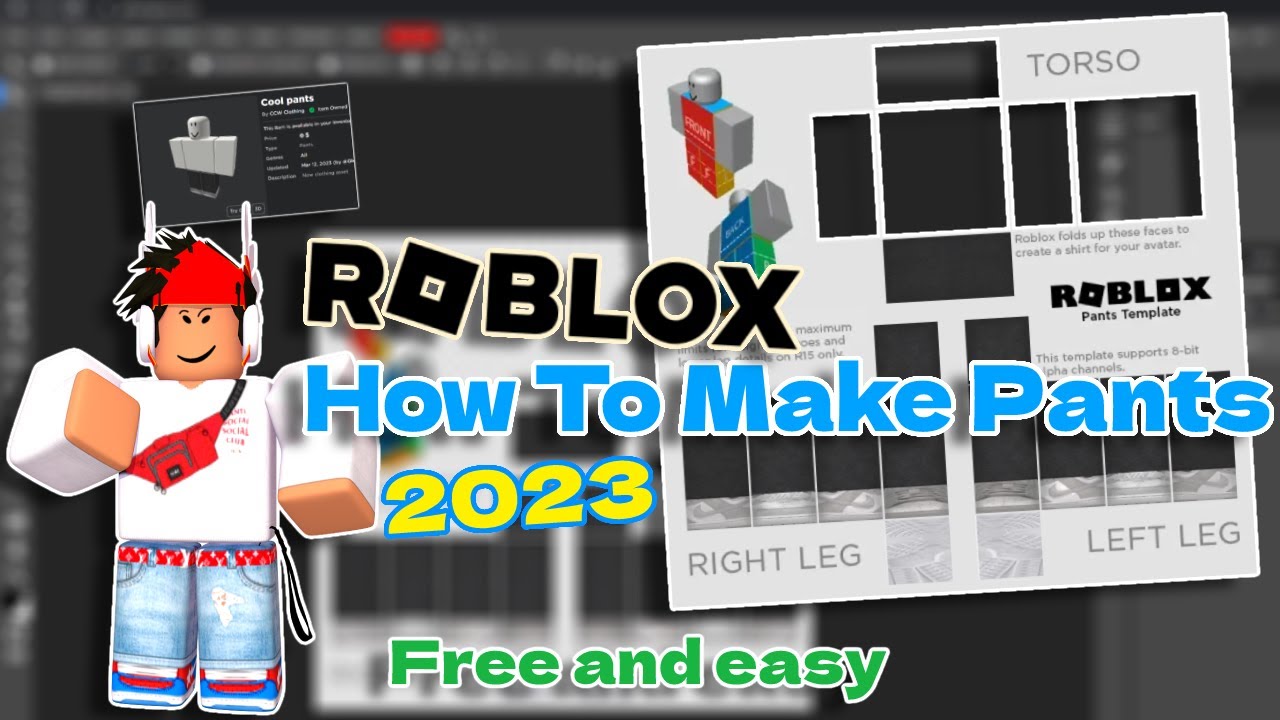

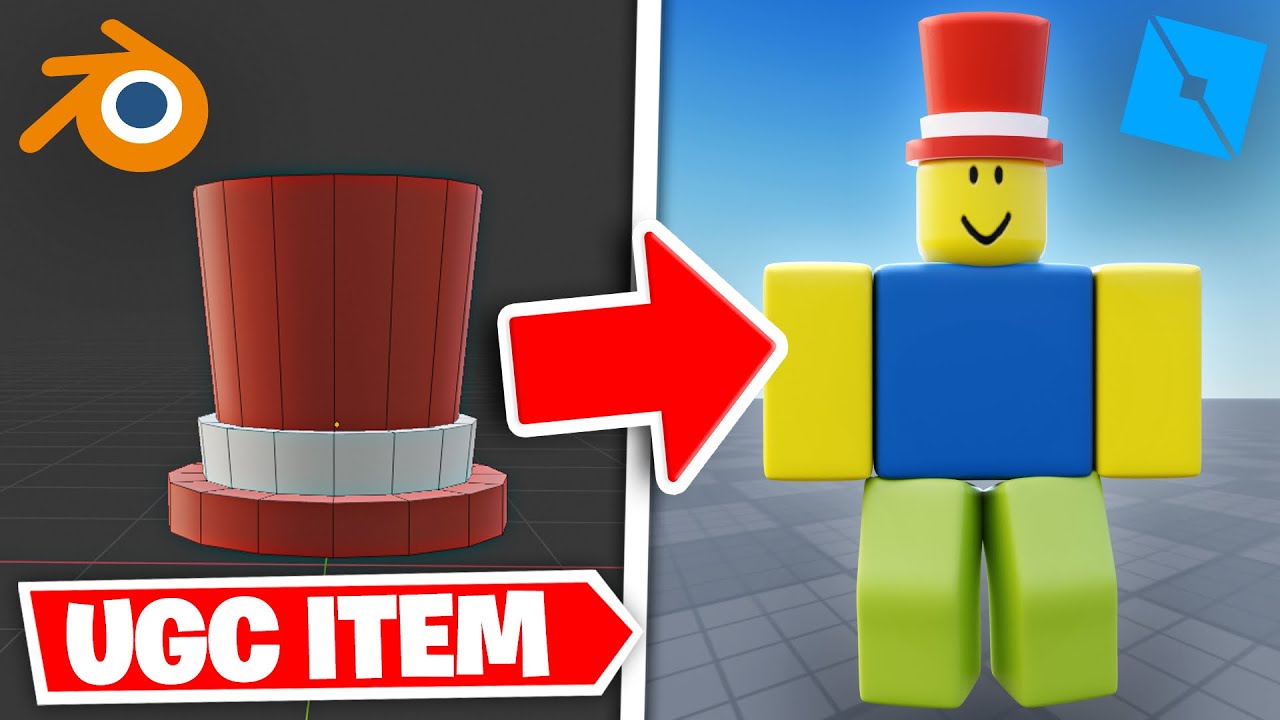
How To Make A Roblox SHIRT In 2026 YouTube . How To Make Pants On Roblox 2026 Still Working YouTube . How Do You Make Shirts In Roblox 2026 Roblox Shirt Templates How To Create Roblox Shirts And Pants.webp. How To Make A Roblox UGC Item Beginner Tutorial YouTube . Roblox Tutorial How To Make An Item From Scratch How To Make An Item In Roblox Main




How To Design Roblox Clothes On Mobile Devices 63345cdc B656 44b2 85bb. How To Make Avatar Shop Items In Roblox Full Guide YouTube . HOW TO MAKE A E TO PICK UP A ITEM Roblox Studio Tutorial YouTube . How To Make Your OWN OFFICIAL GAME On Roblox Studio YouTube . How To Make Your Own Roblox Item YouTube

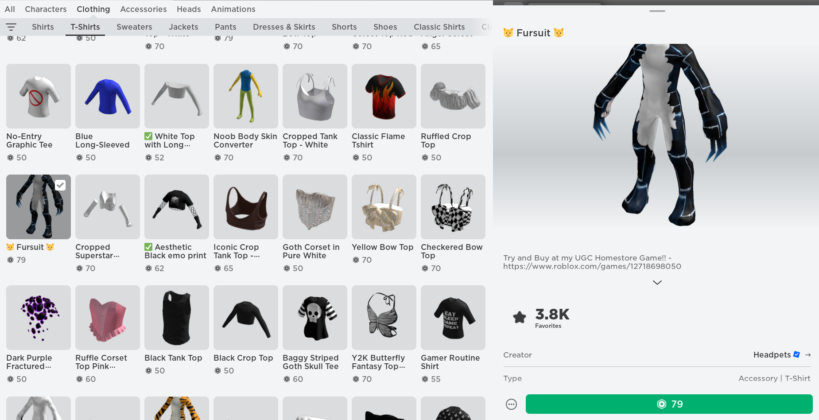
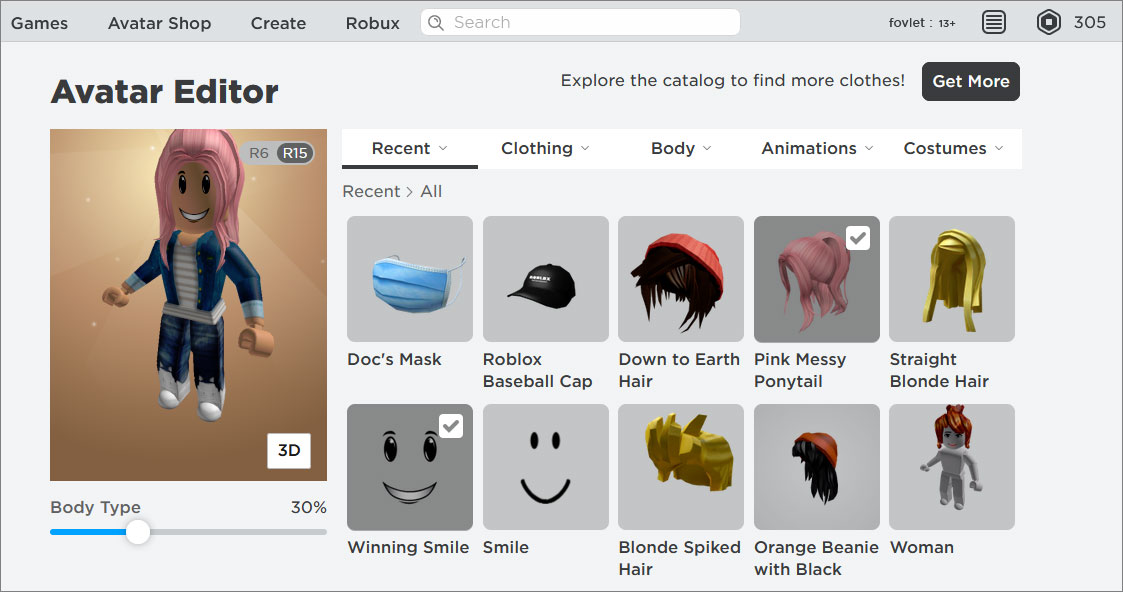

How To Make Your Own ITEMS In Roblox Without Blender Create Hqdefault . How To Create Your Own Roblox Character Avatar 6 819x420 . Make Your Own Roblox Game A Beginners Guide Image 14 1 . How To Create Your Own Roblox Models Tutorial For Roblox RBLX Tutorials . How To Sell Roblox Items For Real Money 2026 Guide How To Sell Roblox Items
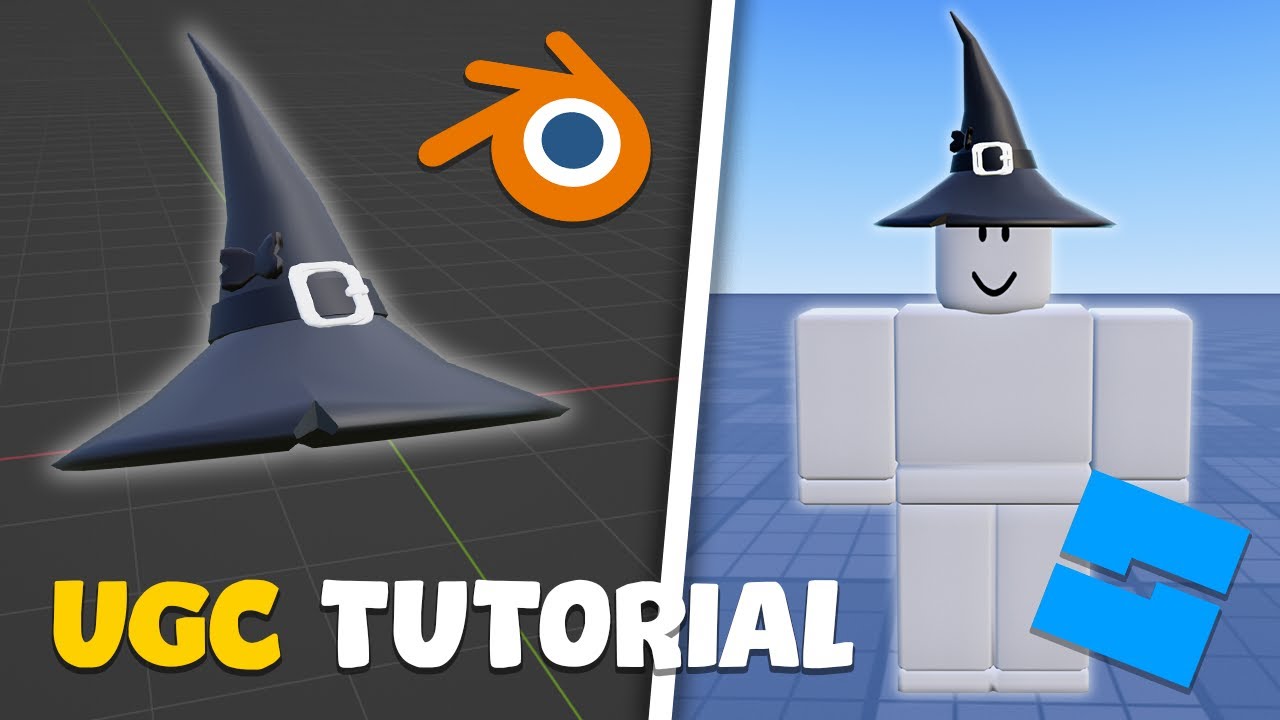


How To Make A Roblox UGC Item For Beginners YouTube . How To Create Hats In Roblox For Creators . Make Your Own Roblox Game A Beginners Guide Step 7 . How To Make A Item In Roblox Studio YouTube . How To Make Your Own Roblox Avatar Items Design Talk


How To Sell Your Roblox Items Easy 2026 YouTube . How To Create And Sell Your Own Roblox Accessories New Guide YouTube . HOW TO MAKE UR OWN SHIRT IN ROBLOX 2026 YouTube . Unleash Your Creativity The Ultimate Guide On How To Make Roblox Items How To Make Roblox Items 608x380 . How To Make Money On Roblox 2026 Creator Guide How To Make Money On Roblox.webp


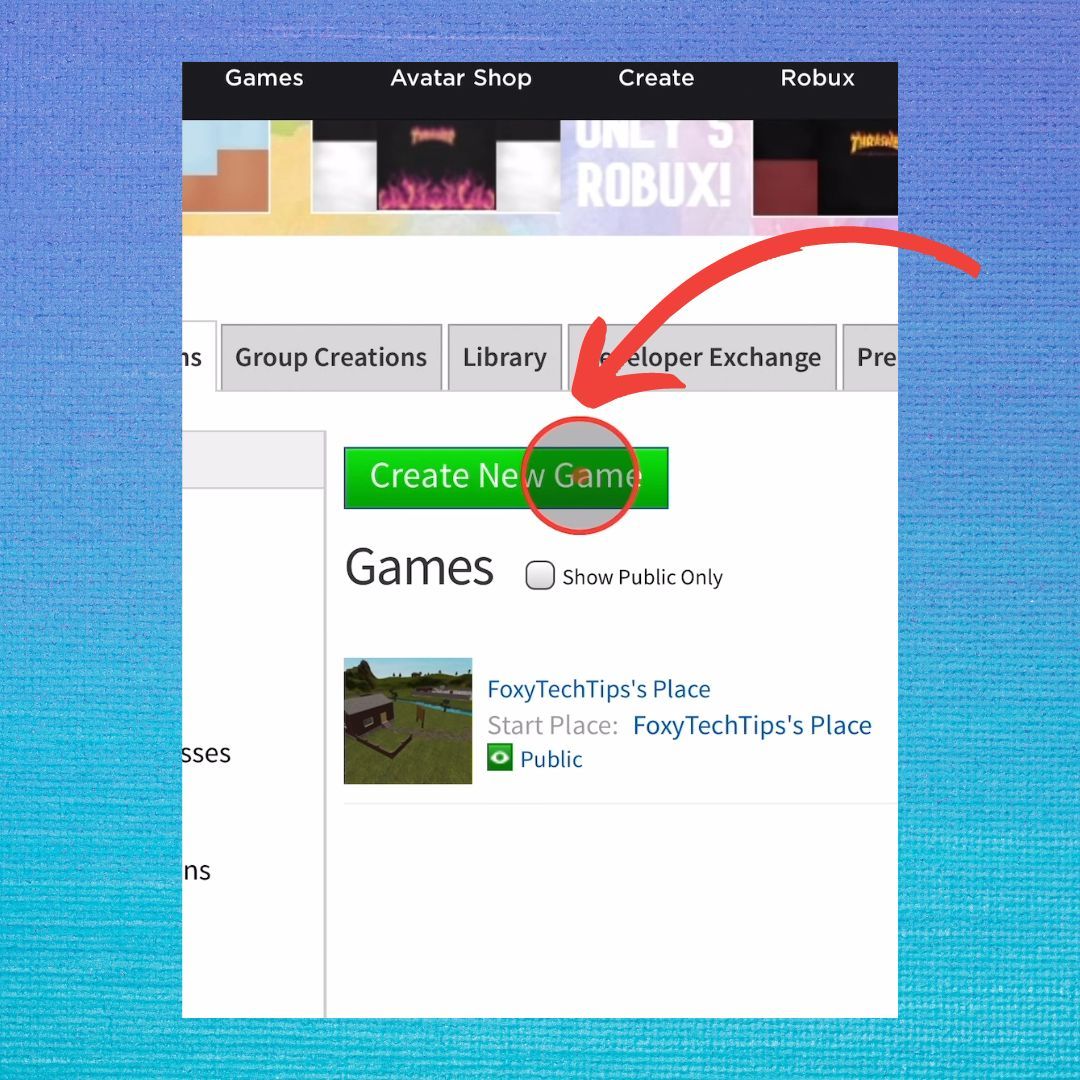
Roblox Studio Create Your Own Mesh With Blender YouTube . Can You Return Roblox Items A 2026 Guide Drop Items In Roblox Step 6 Version 2 . How To Make Your Own Roblox Avatar Item YouTube . How To Make A Roblox UGC Item For COMPLETE BEGINNERS Make Robux . Make Your Own Roblox Game A Beginners Guide Roblox Studio Create New Game